For users frequently working with multiple networked computers or NAS storage devices, SyncBreeze provides the ability to
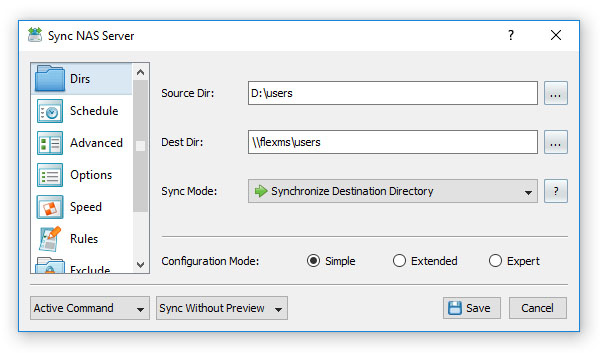
synchronize network shares using UNC path names. In order to specify the source and/or destination directory using UNC path names,
open the command dialog, select the 'General' tab and enter the source and/or destination directories using the following format:
\\server-name\share-name\directory.
While working with UNC path names, please take into account that in order to be able to synchronize files on network shares and/or
NAS storage devices, the user should have directory access and file write permissions for each specific network share and/or NAS
storage device. If the user will not have directory access or file write permissions, the file synchronization operation will
fail with one or more error messages reporting about access denied errors.
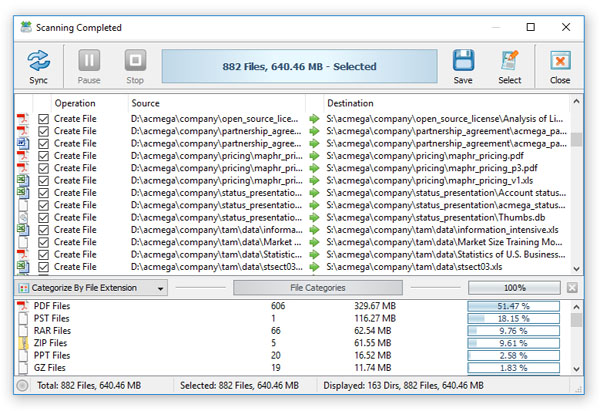
For sync operations configured to synchronize network shares, the file synchronization preview dialog will show file sync actions
using the UNC network location allowing one to easily understand which files will be updated in each sync operation.