SyncBreeze Server provides the ability to setup a number of file synchronization commands with each one configured to synchronize files
between a pair of source and destination disks, directories or network shares. The SyncBreeze client GUI application shows the configured
file synchronization commands and allows one to add, edit, start, stop and delete file sync commands and configure advanced
file synchronization options.
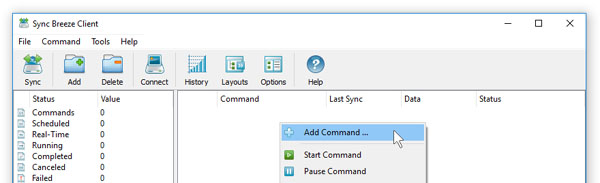
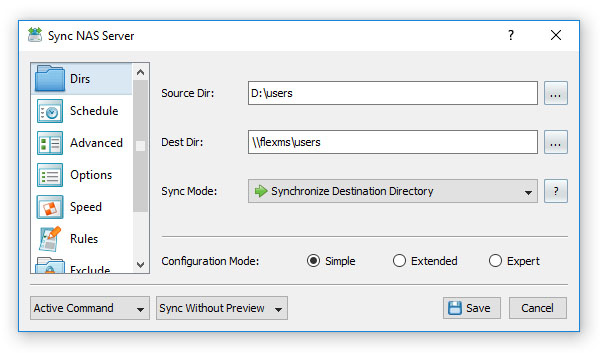
In order to add a new file synchronization command, press the 'Add Command' button located on the main toolbar, enter a unique file synchronization
command name, specify a source and destination directories to synchronize, select an appropriate file synchronization mode and press the 'Save' button.
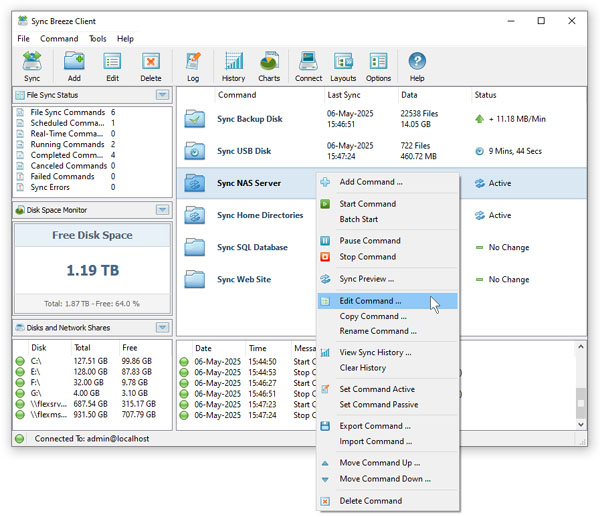
The newly created file synchronization command will be displayed in the SyncBreeze client GUI application and in order to start the file sync command
manually, click on the command item and press the 'Start' button. SyncBreeze Server provides a large set of advanced file synchronization options
allowing one to customize file synchronization commands for user-specific needs and requirements. In order to customize advanced file synchronization
options, select the command, press the right mouse button and select the 'Edit Command' menu item.