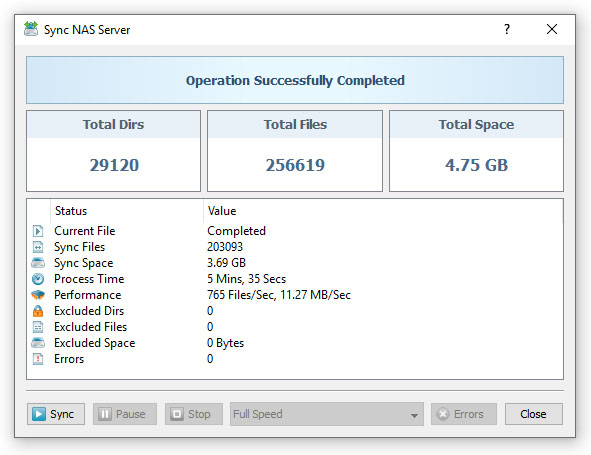
The SyncBreeze file synchronization server runs in the background as a service and performs all the required file synchronization operations
in a fully automatic and unattended mode. In general, once configured, the file synchronization server does not require any manual intervention,
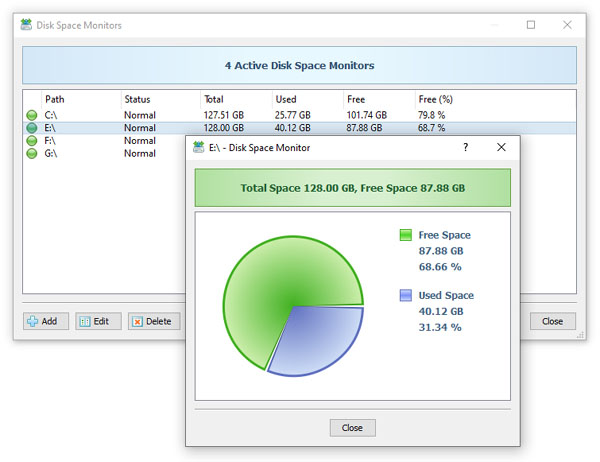
but if there is no space left on the destination device or there are some other file synchronization errors, the user will need to know about such issues as soon as possible.
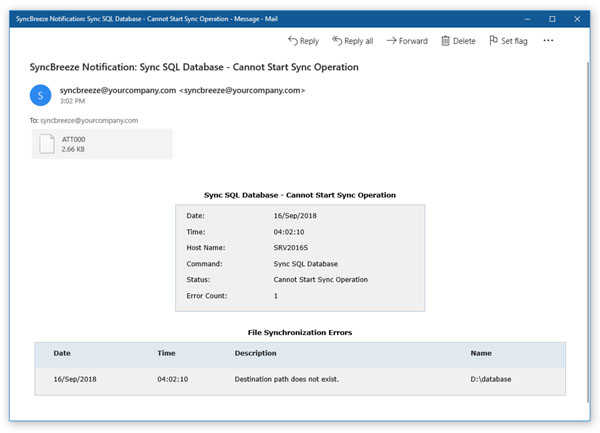
The SyncBreeze file synchronization server provides the user with the ability to send E-Mail notifications about failed file synchronization commands
with a detailed description explaining the exact reason for the failure and a list of files that caused the failure.
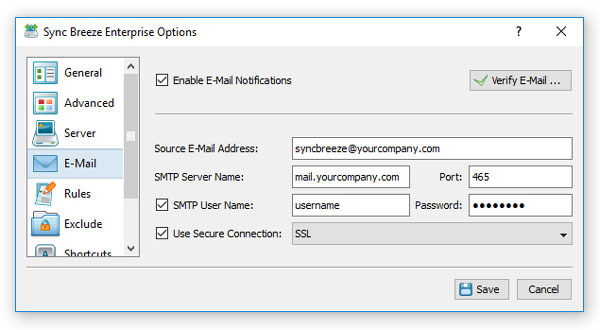
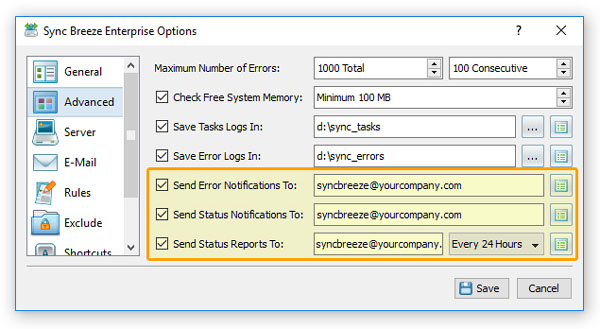
In order to enable error E-Mail notifications, open the SyncBreeze Server options dialog, select the 'E-Mail' tab and specify an SMTP server host
name (or IP address), E-Mail account and password to use to send E-Mail notifications. In addition, select the 'Advanced' tab, enable the E-Mail
notifications option and specify a destination E-Mail address to send notifications to.